How to Migrate from WP to WSK?
Let’s get started!
- Go to your WordPress dashboard from which you want to migrate.
- From the sidebar go to plugins > click 'Add New'.
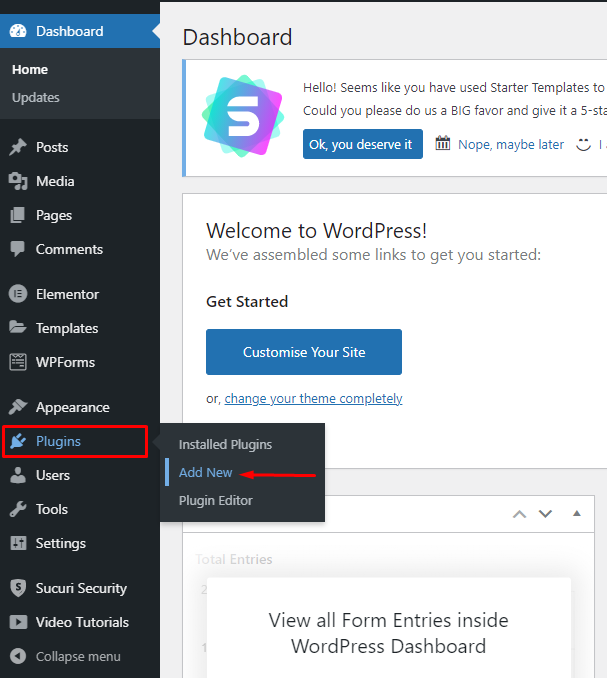
- Search for 'Migrate Guru'.
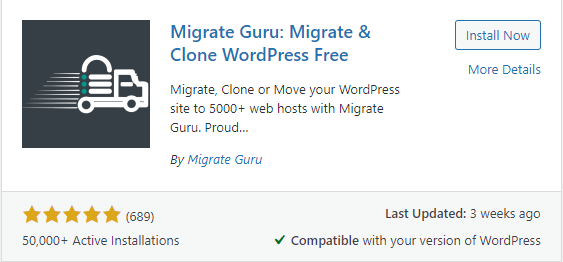
- Click 'Install Now'.
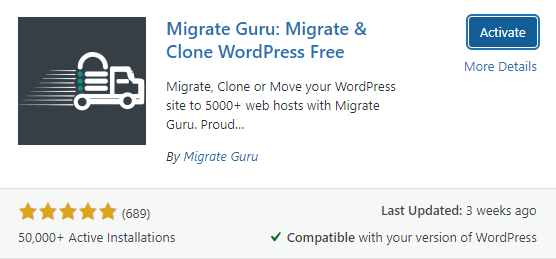
- After installing, click 'Activate'.
- Now, you will be redirected to the Migrate Guru home page.
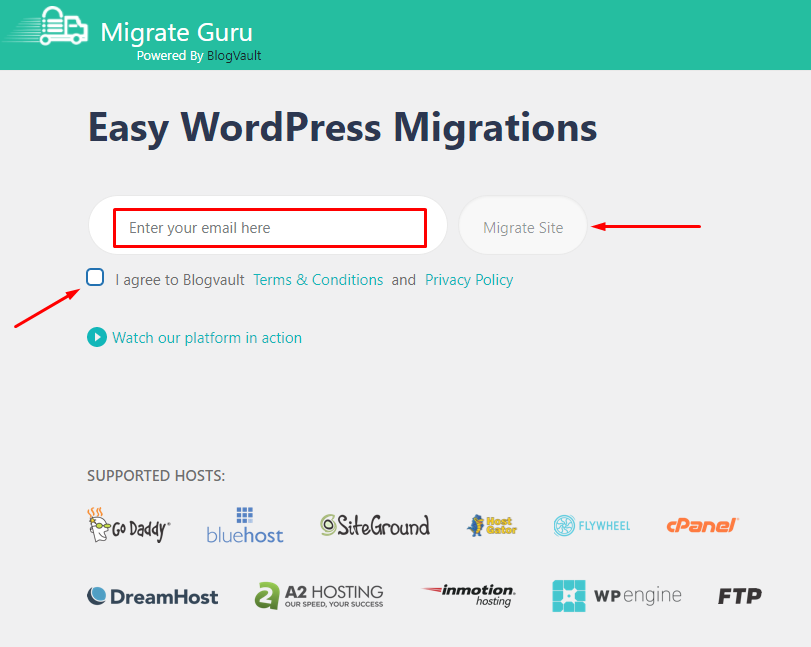
- On this page, enter your email and agree to the terms and conditions.
- Click 'Migrate Site' to start the migration process.
- You will be redirected to this page.
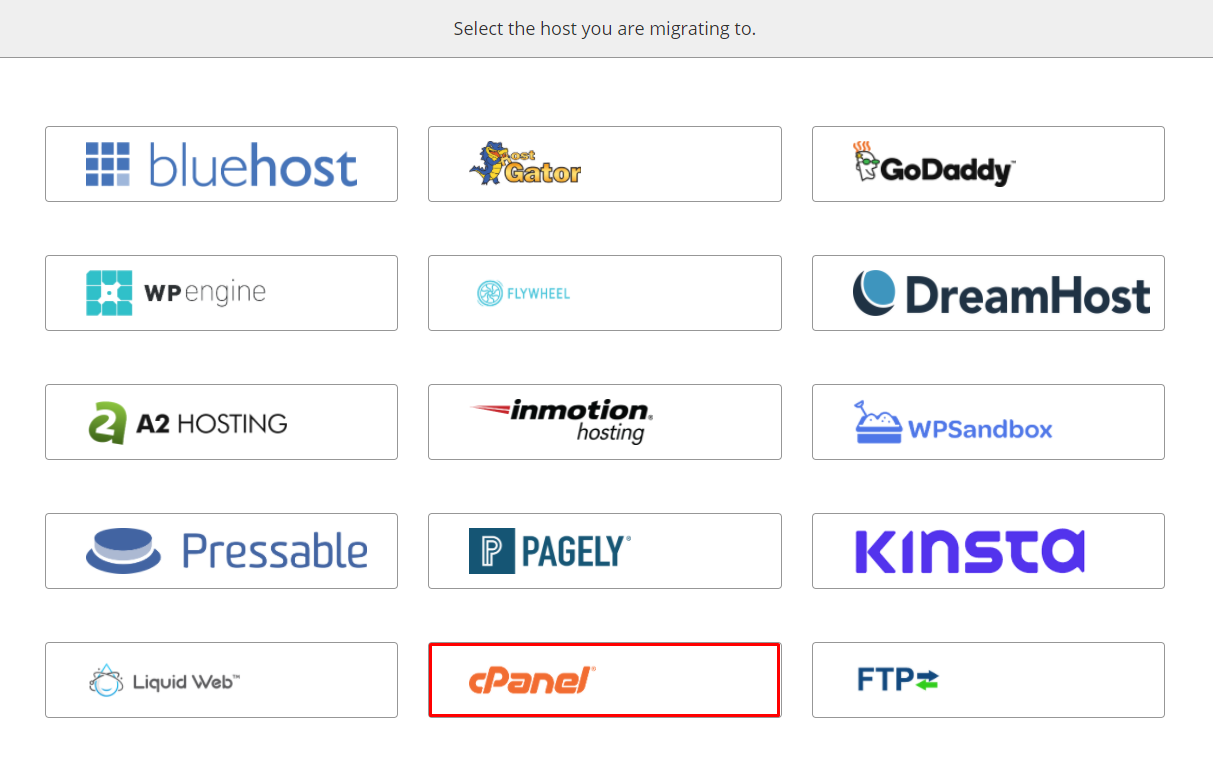
- On this page, select the 'cPanel' option.
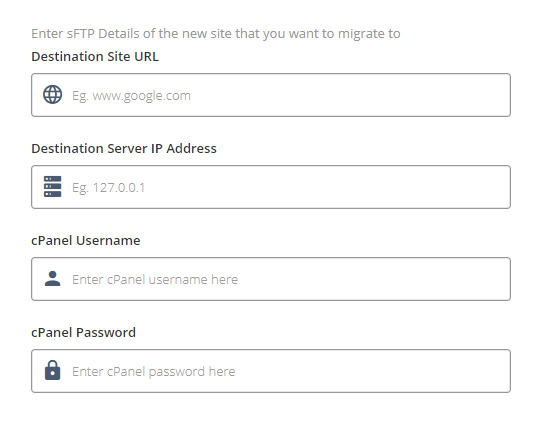
- On this page, enter the following details:
- Destination Site URL.
- Destination Server IP Address.
- cPanel Username.
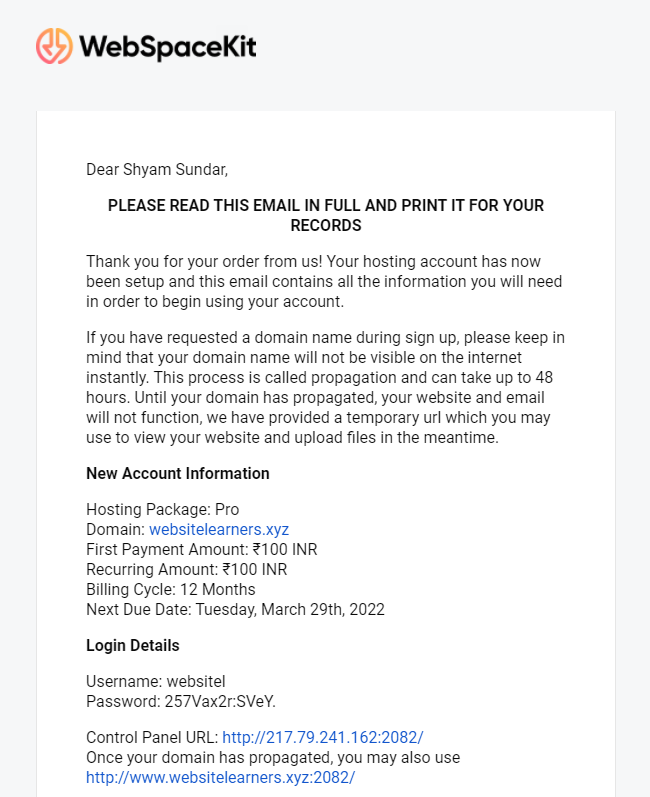
- cPanel Password.Note: These details are shared with you to your webspacekit registered email at the time of account creation.
- Search for 'New Account Information' in your Email inbox.
- Look for the mail sent from webspacekit and find the required details.
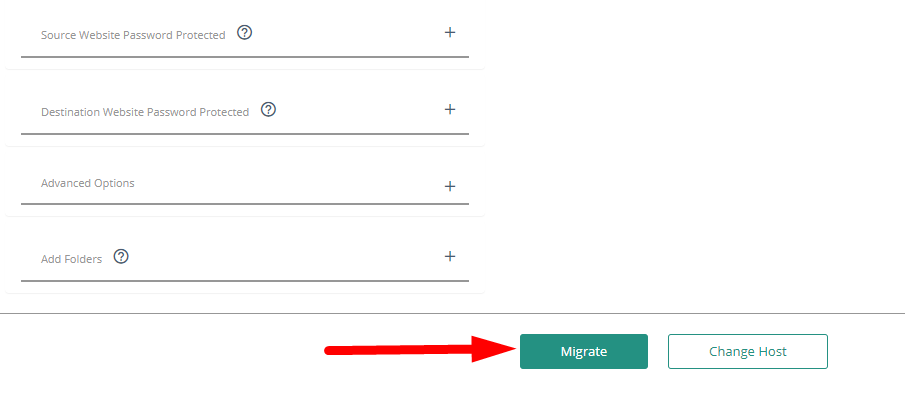
- After entering the required details, click 'Migrate' to start the migration.
- You will get this page.
- After the verification is completed, you will get this page.
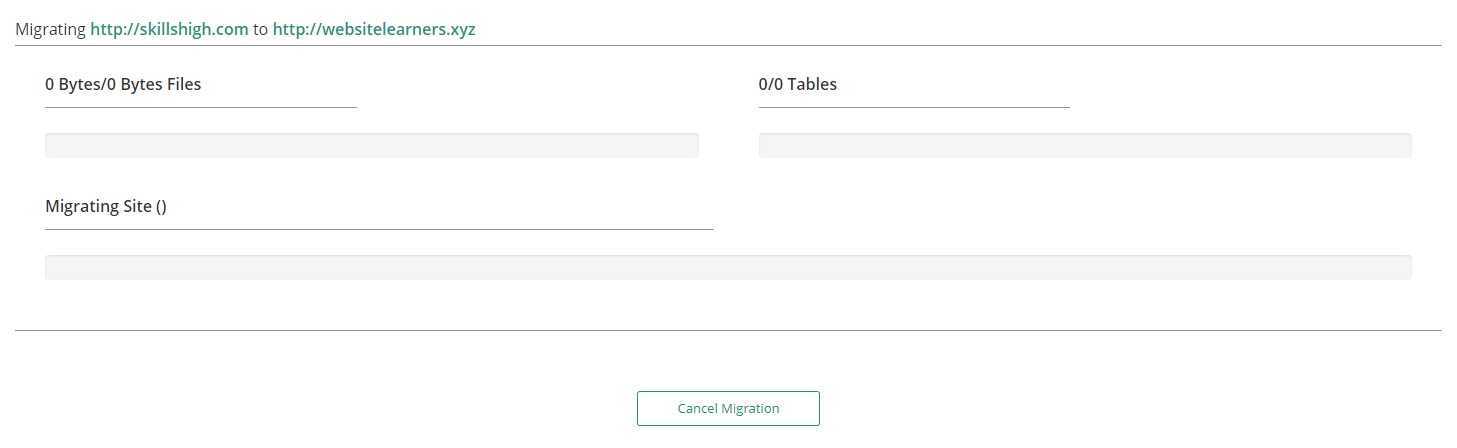
- Wait for some time to complete the process. It might take 5-10 mins.
- You will get a confirmation message, telling you that the migration is completed.
- To view the updates, go to your destination site.
- That's it! You have successfully migrated your site from WordPress to WebSpaceKit.
Updated on: 23/11/2023
Thank you!